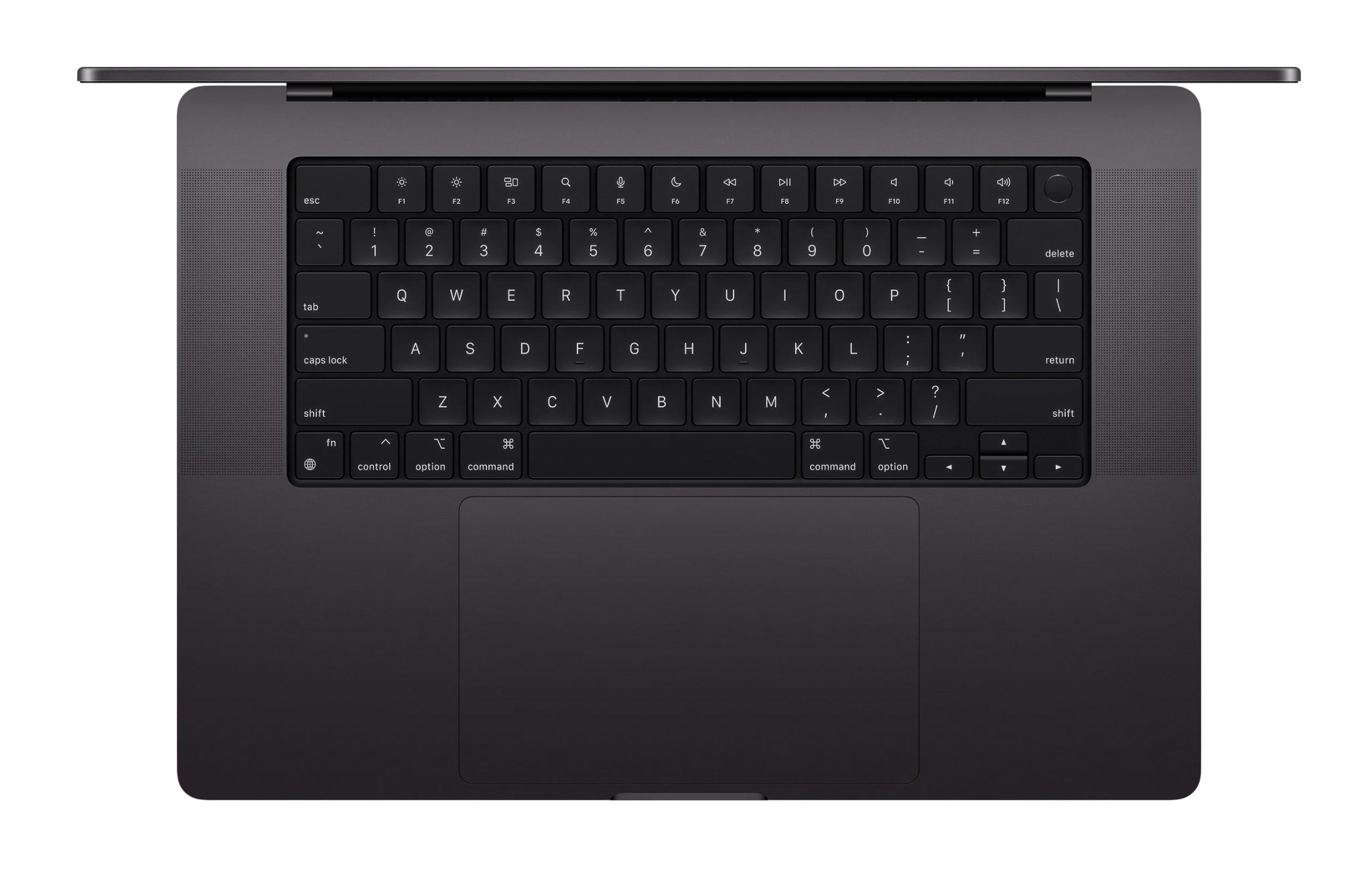
One machine, for everything I actually do.
I wasn't shopping for a laptop that could do one thing well. I was shopping for the one machine that had to carry photography, video, everyday productivity and working from wherever I happened to be, without becoming the thing I resented by the second year.
I didn't want to spend close to a lakh of rupees on a machine that could feel outdated the moment creative software got a little heavier, which it always does. That ruled out shortcuts. Whatever I bought had to still make sense two or three years later, not just on the day it arrived.
The real shortlist came down to two machines: the 14 inch MacBook Pro with the M3 Pro chip, and the ASUS ROG Zephyrus G16, a genuinely strong Windows alternative from the same era, with a discrete NVIDIA GPU that the Mac simply doesn't have an equivalent for. It wasn't a one sided decision. It came down to what I was actually going to spend most of my time doing.
Weighed against those six things, the MacBook won, not because the G16 was worse at what it does, but because photography, colour accurate editing, battery life and something that felt built to last mattered more to me than raw GPU headroom. If gaming or GPU bound 3D work had been the priority instead, I think the decision goes the other way.
The first difference I noticed was the display.
Everything else about the machine took days or weeks to reveal itself. The screen didn't. It was immediate: the kind of difference you notice before you've opened a single serious file, just from how a photo you've looked at a hundred times suddenly looks slightly more like the file actually is.
Apple specificationsI'm not a spec sheet person by nature, but those numbers are the reason grading and retouching on this screen feels less like guessing and more like seeing. It's the one part of the machine where the marketing language and my actual daily experience genuinely line up.
The wow factor didn't disappear.
It changed.
The excitement of a new machine always fades. What replaced it here wasn't disappointment. It was a quieter kind of appreciation for the things that only reveal themselves over time: battery life, the display, the build, how fast files move, how quickly it charges, and how rarely it's given me a reason to think about it at all.
No Battery Anxiety
For most of my daily work, the battery simply stopped being something I worried about. I stopped checking the percentage the way I used to on every previous laptop.
Writing, browsing, editing photos in short sessions, sitting in on calls: a full day rarely puts a dent I notice.
Longer Lightroom and Photoshop sessions pull more, understandably, but nowhere near what I expected from a machine this thin.
Editing outdoors or in bright rooms at higher brightness is the one place I notice the battery moving faster.
For a full day of colour grading or export heavy work, I still plug in, not out of anxiety, just to keep performance consistent.
Performance doesn't visibly drop when it's off the charger, which matters more to me than any single runtime number.
The battery still feels essentially like new day to day. I haven't measured its health precisely: this is how it feels in use, not a lab reading.
Solid. But heavy.
Two things have both stayed true for almost two years, and neither one has cancelled the other out.
Nothing on this machine has ever felt loose, cheap, or like it was wearing in the wrong way. The hinge, the keyboard, the trackpad: almost two years of daily use and it still closes and opens like it did on day one.
At 1.61kg it isn't a heavy laptop on paper, but carried daily alongside a camera bag, it adds up. On long shoot days it's become the thing I notice in my shoulder before I notice it on my desk.
Where it became my tool.
This is the part that actually matters, not how the machine performs in a review, but how it holds up across the software I use to make a living.
Top Tier
Excellent, until the files become serious
Colour grading: champion.
Video is central to what I do, so this is the software relationship that mattered most in this review, and the display is a big part of why grading on this machine has been so enjoyable.
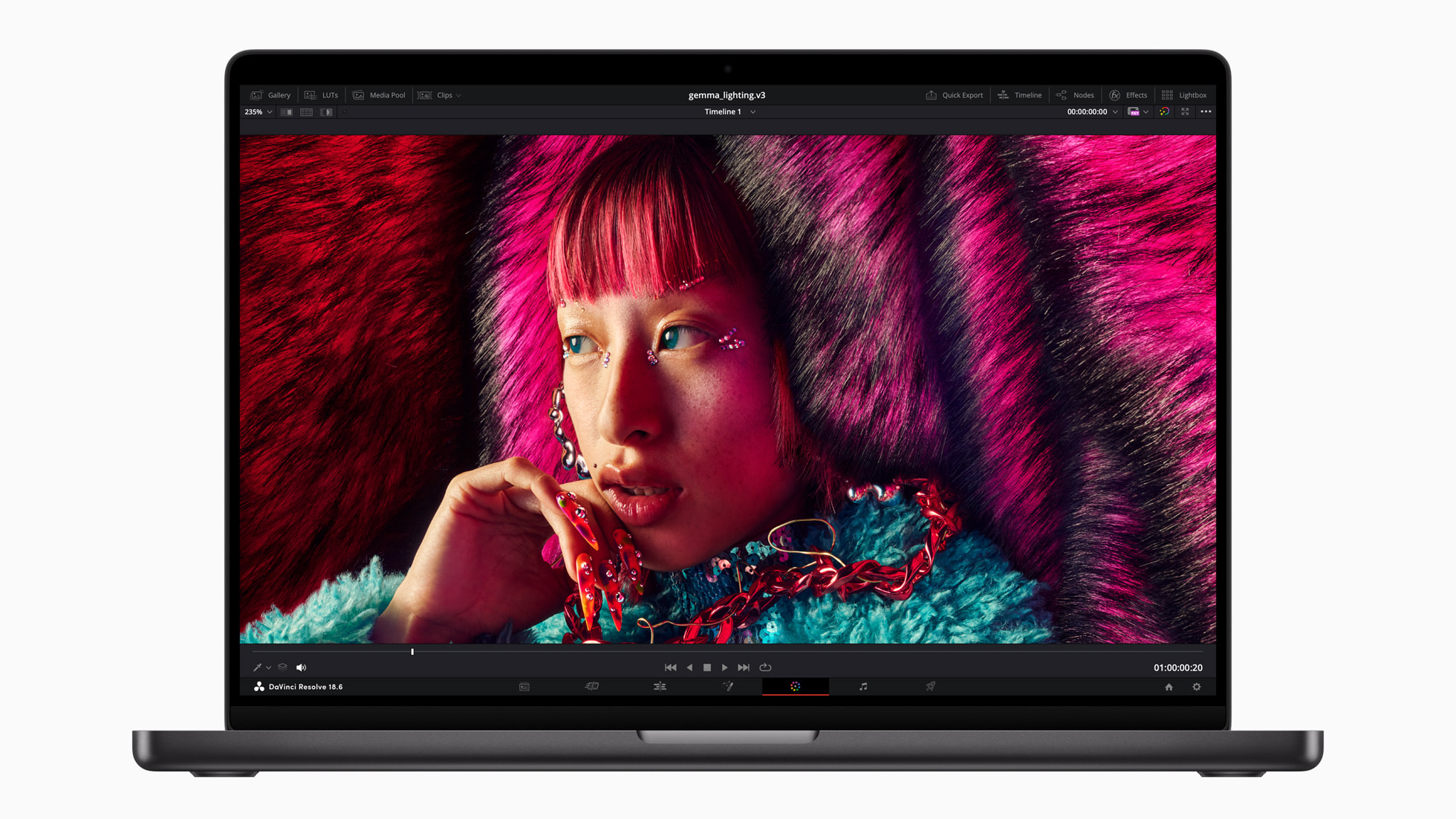
Product photography: Apple
4K timelines are handled comfortably in most day to day editing. Once I start stacking more tracks, proxies start to matter for smooth scrubbing, not because the machine can't decode the footage, but because smooth playback at that point is a proxy problem as much as a hardware one. Effects and Fusion nodes are fine up to a reasonable level of complexity. It's only the genuinely heavy projects, dense timelines, layered grades, a lot of Fusion at once, where I start to feel the ceiling.
18GB was enough.
Until my work grew.
This is one of the core conclusions of this review, so I want to be precise about it: the machine isn't suddenly slow. My work became more ambitious. Larger Photoshop files. Heavier Resolve projects. More complex node trees. Workflows I simply wasn't running two years ago. The limitation isn't today's performance. It's tomorrow's headroom.
More RAM.
Not everything is a MacBook job.
I want to be honest and specific here, because this is the section most likely to get quoted out of context. After trying After Effects, Premiere Pro and a few other tools on this exact configuration, I wouldn't recommend this specific machine for serious After Effects work or 3D focused projects. That's not a verdict on every MacBook Pro. It's specific to this chip, this memory ceiling, and my own experience with it.
I haven't personally tested the newer M5 Max configurations with significantly more memory, so I'm not going to speak as though I have. What I can say is that for GPU bound 3D work specifically, I'd still seriously consider a PC with an NVIDIA GPU over this configuration, not out of loyalty to either platform, just because that's where the workloads I mean actually feel comfortable.
The screen is beautiful.
14 inches is still 14 inches.
This isn't a criticism of display quality. The panel itself is one of the best things about this machine. It's a criticism of physical workspace. Serious Resolve sessions eventually make the screen feel cramped, simply because the timeline, node graph, inspector, media pool, effects panel and the actual video preview are all competing for the same 14 inches at once. A second display solves this instantly. Without one, it's the one place size genuinely gets in the way.
The port I didn't expect to love
3.5 mm headphone jack
Apple lists this as a "3.5 mm headphone jack with advanced support for high impedance headphones." In practice, it drives my wired earphones properly, and for critical listening while editing I genuinely reach for a wired connection over wireless earbuds or cheap Bluetooth headphones every time. My experience
The real product is the integration.
What I've come to love most about this machine isn't any single spec. It's the relationship between the hardware, macOS, the display, the battery and the performance: how rarely any one of them fights with the others.
More control would be nice.
Windows still offers more customisation in places I've occasionally missed, and one small, specific annoyance has stuck with me the whole two years: the close and minimise window controls are small enough that I still misclick them more often than I'd like to admit.
No problems.
Almost two years of professional use. No hardware problems. No software problems. No charging problems. I'm not going to dress that up into more than it is. It's just been quietly, consistently fine.
The MacBook didn't get worse.
My work got bigger.
The M3 Pro is still fast. It hasn't suddenly become a bad machine. What changed is that my creative work grew more ambitious than it was the day I bought it: bigger files, heavier timelines, more demanding software, faster than I expected it to. That, more than any single benchmark, is the honest story of these two years.
The MacBook vs. a Windows alternative of the same era.
I won't pretend to have lab grade, apples to apples benchmark numbers comparing my exact machine to a 2023 ROG Zephyrus G16. The configurations, test conditions and even which specific GPU tier vary too much between sources to responsibly chart as hard numbers. What I can offer instead is an honest, qualitative comparison.
Weight and battery capacity are drawn from each manufacturer's own published figures: the MacBook Pro (M3 Pro) at 1.61kg with a 72.4Wh battery, versus a 2023 Zephyrus G16 (GU603) at roughly 2.00kg with a 90Wh battery. A larger battery doesn't translate to longer runtime here: discrete GPU Windows laptops of this class typically draw far more power, so the Mac's efficiency advantage in real unplugged use is well documented industry wide, even without a single directly comparable test.
The world didn't stop at M3.
This section is not my experience. I have not used an M4 or M5 machine personally, and I'm not going to write as though I have. It's a look at how Apple's own chips have moved on since, based on independent testing.
Two generations on, the gap is real: Apple's own M5 Pro and M5 Max post meaningfully higher Geekbench scores than the M3 Pro in this machine, in both single core and multi core terms. I'm not reading that as a verdict on my machine. It's simply what newer silicon does, two years on. If you're buying today with headroom for heavier work in mind, that gap is worth knowing about.
Should you buy one?
Yes, if
- Photography & Lightroom
- Photoshop, most workloads
- 4K video editing
- Colour grading
- Mobility & battery matter
- You want long term ownership
Think twice, if
- Heavy 3D work
- Serious After Effects use
- GPU bound workloads
- Gaming is a priority
- Your projects need huge memory headroom
My configuration advice
Buy more RAM than you think you need.
Would I buy it again?
Without a hiccup.
Just with more RAM.
Almost two years in, this machine has done exactly what I needed it to do: photography, video, everyday work, travel, without ever becoming the reason a project stalled. It isn't perfect, and it isn't the right machine for every kind of creative work. But for the work I actually do, it's earned its place, quietly, one ordinary day at a time.
My experience.
Not a lab measurement: my own subjective read after almost two years of daily, professional use.